Product Handling
Step by step process to product handling with this inventory consisting Seasonal Pricing functionality:
- Click on the Products section of your WordPress site's from the Admin Dashboard.
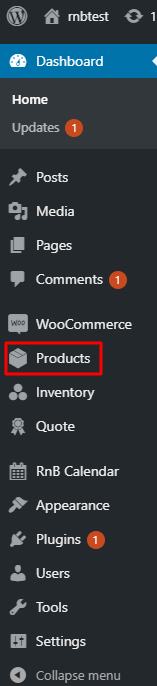
- Click on Add New.

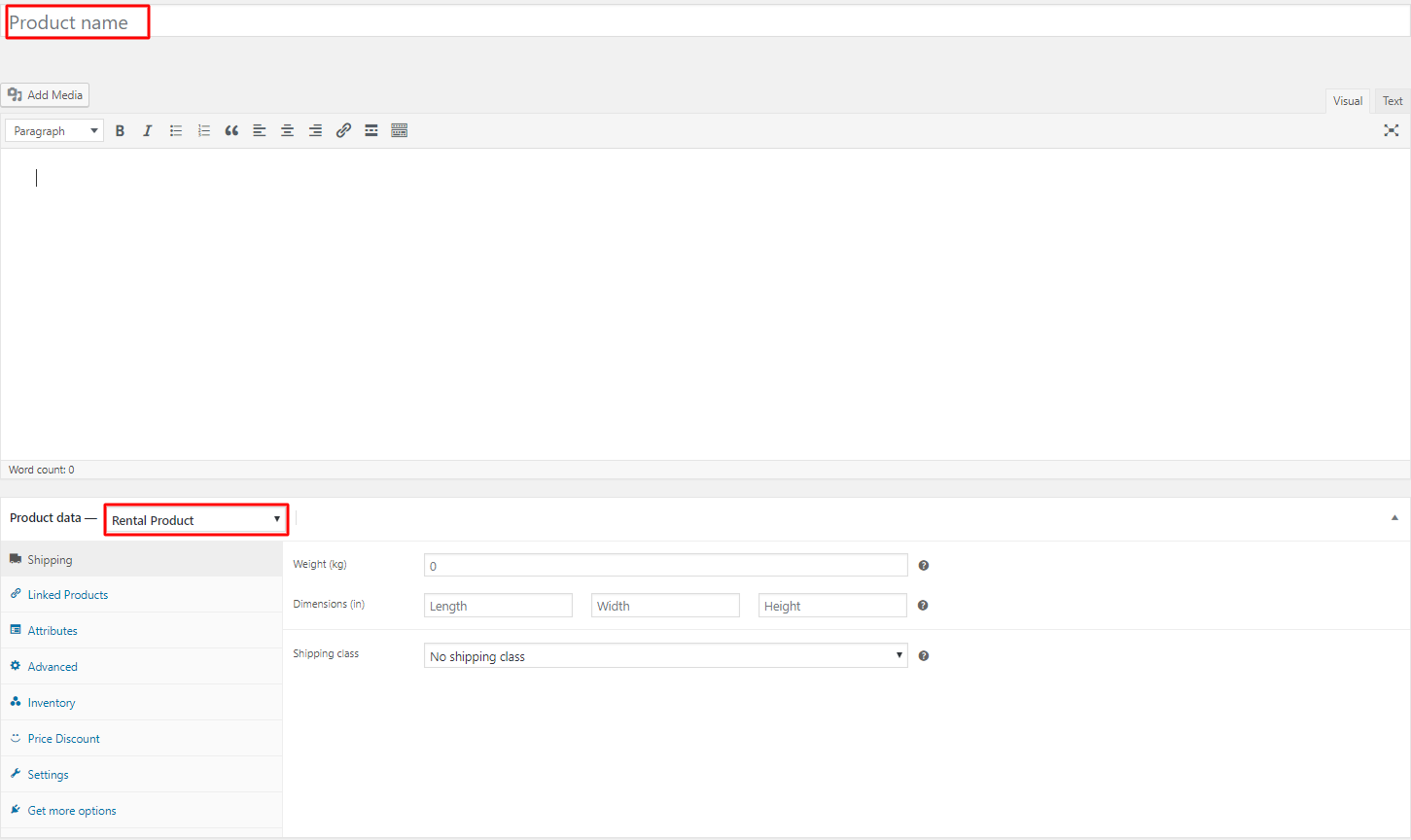
- Give a title to the product, on Product Data select Rental Product.
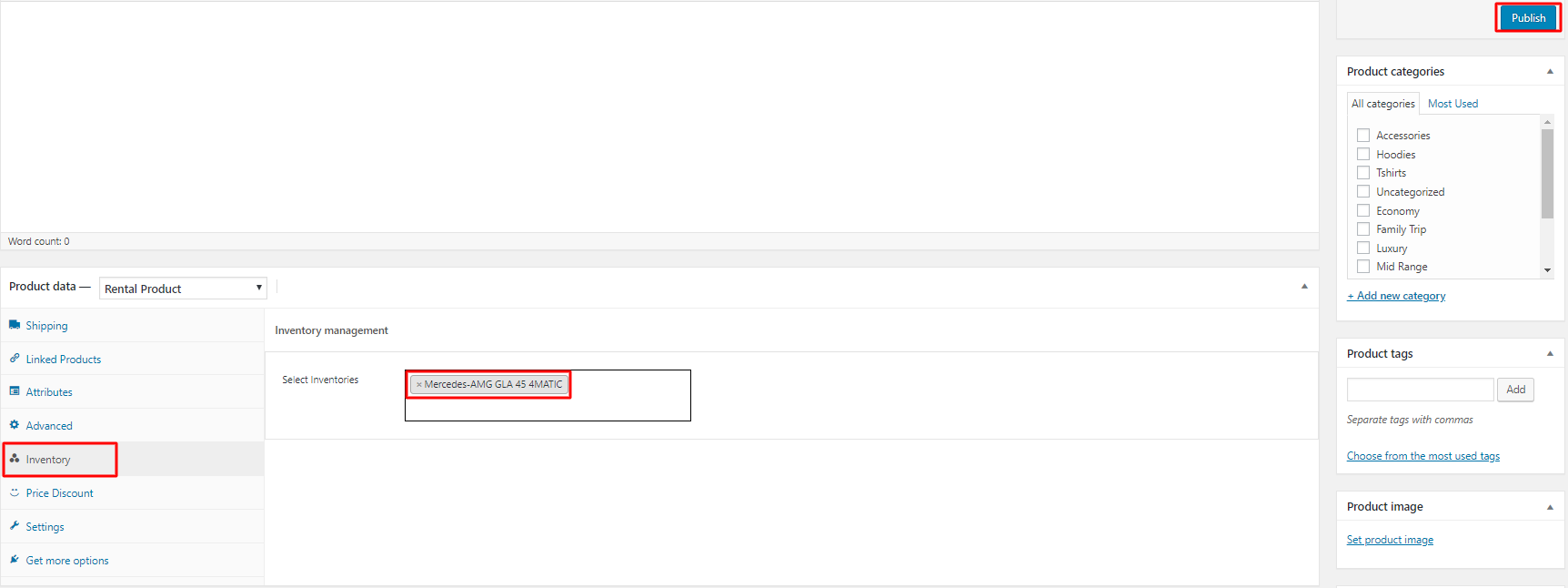
- Click on Inventory, select an Inventory which contains seasonal pricing functionality then click on Publish.
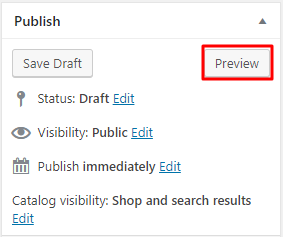
- Now click on Preview.
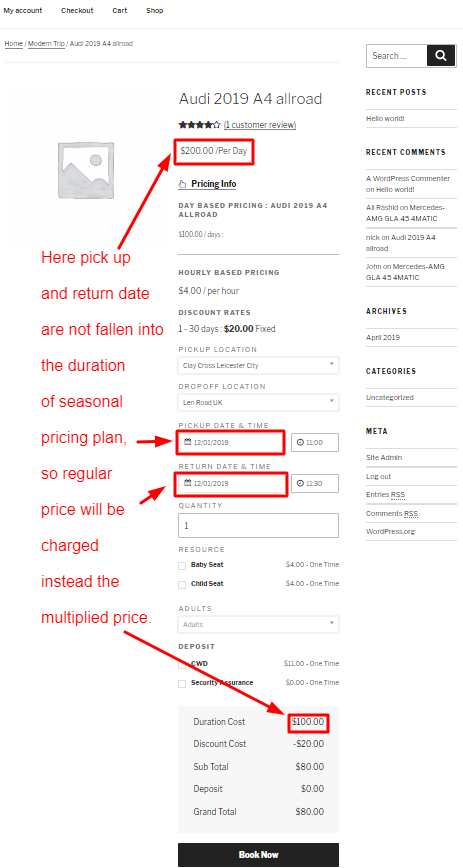
- Now you can see product price is according to the seasonal pricing's settings.
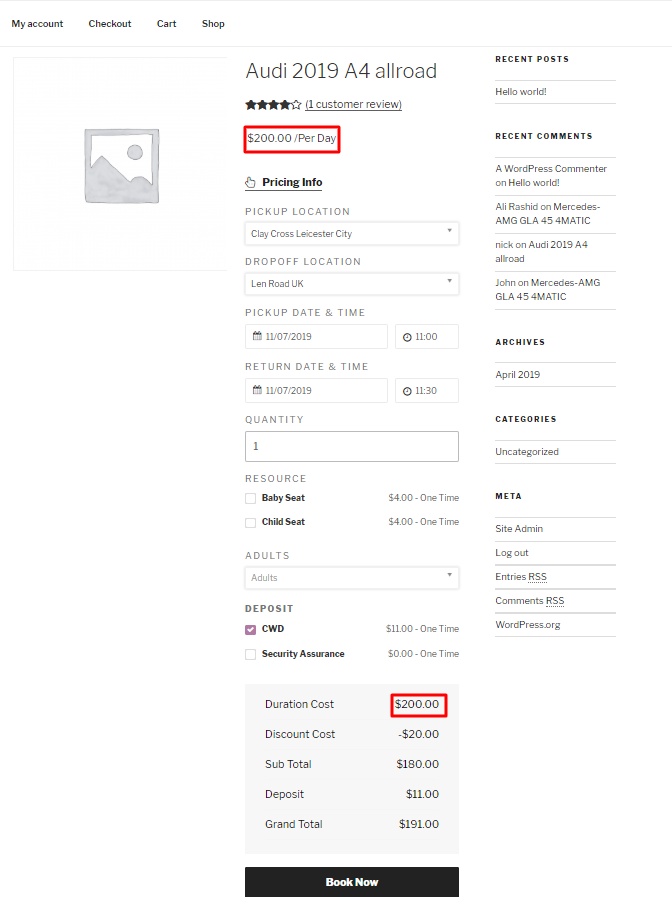
Note: If the pickup date and return date are not fallen in to the duration of seasonal pricing plan then the regular price will be charged instead of the multiplied price.